Your Identity Wallet
SELA App
Take control of your most valuable asset—your private information. SELA App is the fortress where your identity lives: encrypted, biometrically secured, and entirely under your control.


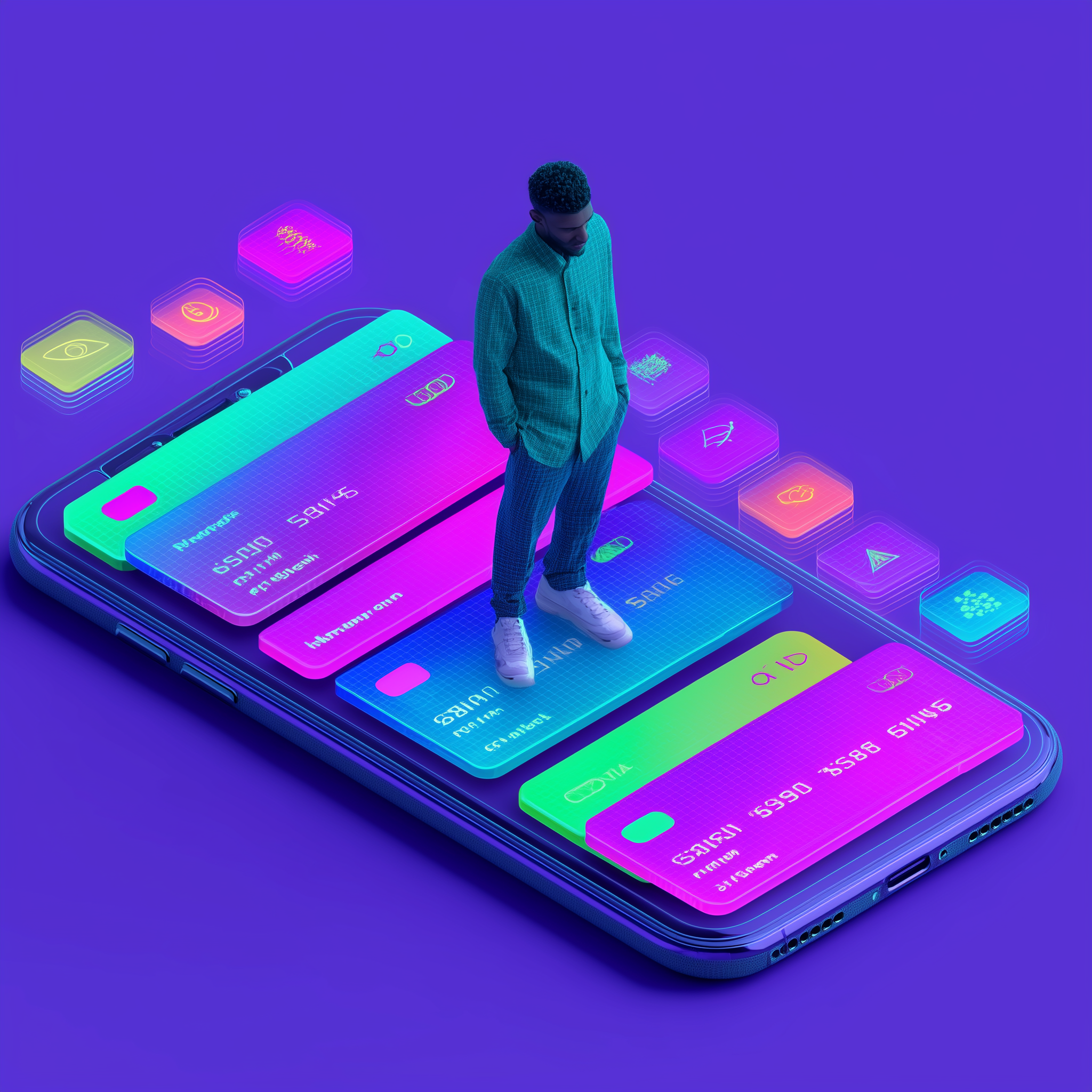
Take control of your most valuable asset—your private information. SELA App is the fortress where your identity lives: encrypted, biometrically secured, and entirely under your control.
SELA App stores all your personal documents, credentials, and identity data exclusively on your device. No cloud uploads, no server copies, no third-party access. Your private key is generated locally and never transmitted.
All documents—passports, ID cards, driver's licenses—are stored encrypted in your device's secure storage. The SELA server never sees your data in any readable form.
Your private key is generated from a BIP39 12-word seed phrase on your device. No custodian, no cloud backup of keys. You are the sole owner and controller of your identity.
FaceID or fingerprint authentication required to unlock the app and sign verification responses. Your biological identity protects your digital identity.
A guided onboarding experience that creates your identity wallet, verifies your documents, and secures everything with military-grade encryption.
Generate your 12-word seed phrase and private key locally
Write down your seed phrase—it's your only recovery method
OCR captures your passport or ID with on-device ML processing
Your identity fortress is active. Share on your terms.
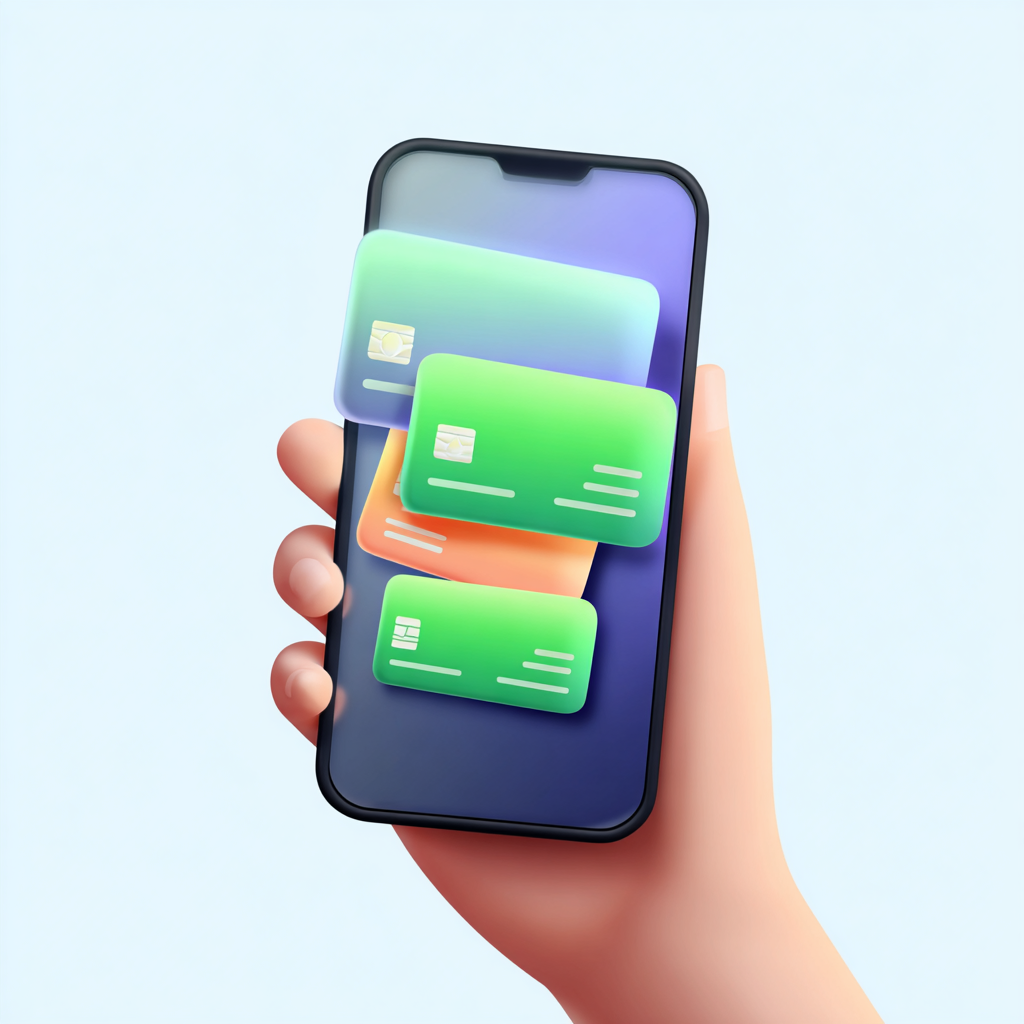
Every time an organization requests information, you see exactly what they're asking for. You approve or deny each request individually. You choose which specific fields to share—full name without address, age confirmation without date of birth.
Selective Disclosure means you share the minimum information needed, nothing more. And you can revoke access to any organization at any time.
Toggle individual fields on or off per request
Set expiry from 1 hour to 1 year per connection
Remove any organization's access immediately
Your Trust Score represents the strength and completeness of your verified identity. Each verified document, each successful proof, each organization connection strengthens your score.
A higher Trust Score means faster verifications and access to premium services. It's your reputation—cryptographically proven and blockchain-anchored.
Your 12-word seed phrase is your master key. On a new device, enter it to regenerate your private key, download your encrypted vault backup, and decrypt everything locally.
On your new device, open SELA App and enter your 12-word BIP39 seed phrase. This deterministically regenerates your exact private key.
The app downloads your encrypted backup from the SELA Server. Remember: the server only stores encrypted blobs it cannot read.
Your regenerated private key decrypts the vault on your new device. All documents, credentials, and connections are restored. The server never accessed your data during this process.
Google ML Kit (Android) and Apple Vision (iOS) process documents without server uploads
Automatic Machine Readable Zone extraction for passports and travel documents
Generate zero-knowledge proofs locally—prove facts without revealing data
Military-grade encryption for all stored documents and vault operations
Complete history of every share, verification, and connection event
Verification events are hashed and recorded on Polygon for immutable proof
Download SELA App and become the sole guardian of your personal information. Your data, your rules.